Handover documents
Your handover document starts before handover day.
Prepare the handover record from project data, with snags and their history close at hand.
Site supervisors · Coordinators · Main contractors
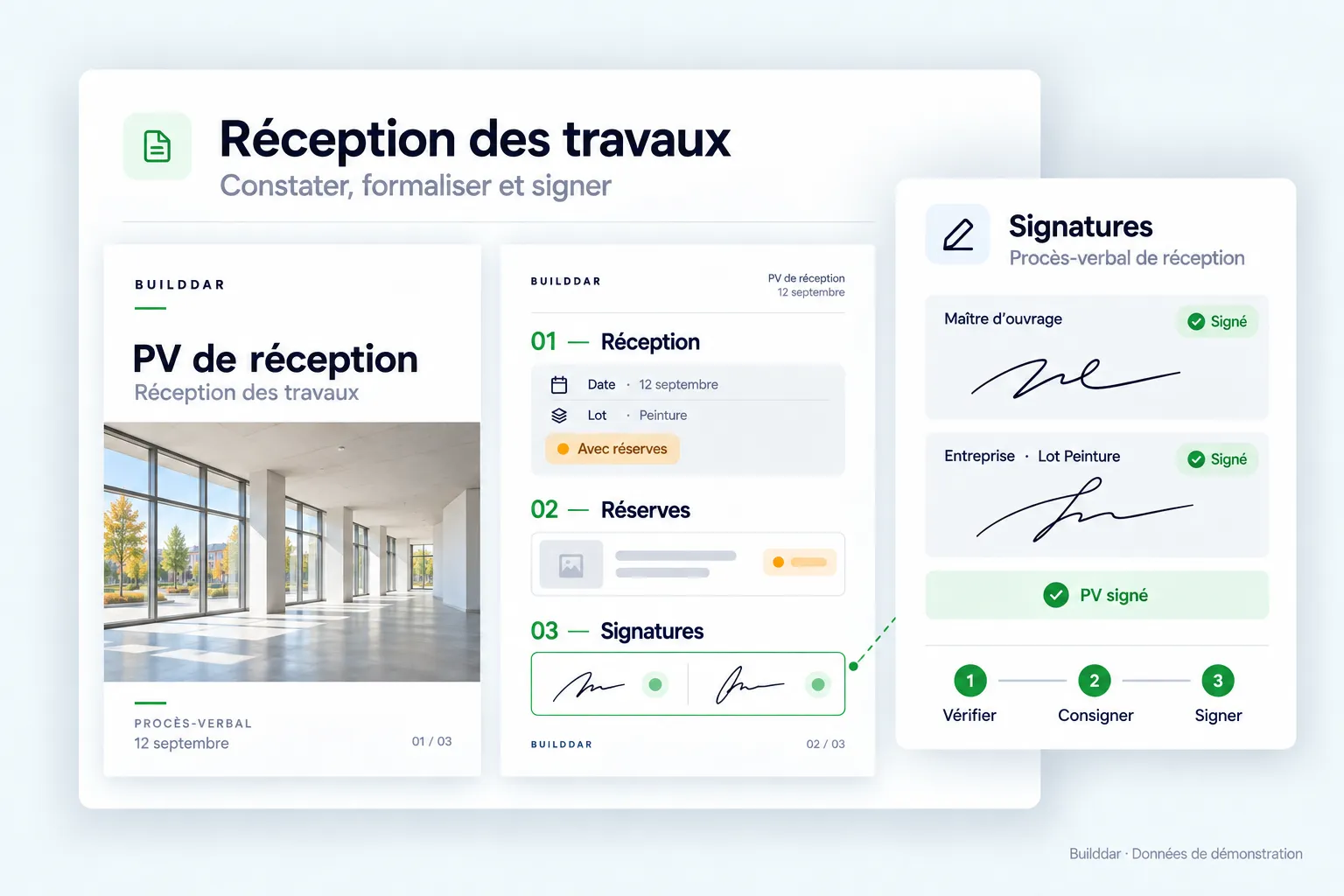
The everyday work
The day before handover, the information should already be together.
Builddar supports the preparation of construction handover records from project tracking data. Snags, photos, locations and statuses are brought together for a deliverable in your own format. This page focuses on the document; the inspection module covers the checks that precede it.
Assembling a handover record from photos, a spreadsheet and several reports means matching information about the same project. Use the record maintained during construction to prepare the document.
In Builddar
From site to outcome, in three steps.
An example to follow along. The information stays with the project.
- 01
Review project information
Review the project record and snags from site visits and pre-handover inspections.
Tracking example- Handover · Building A
- Site visit snags
- Inspection checks
- 02
Check the snags to include
Check statuses and the context of items still open before preparing the document.
Tracking example- Snag 24 · Joinery
- Location and photo
- Status checked
- 03
Prepare your deliverable
Produce the handover record from project information in the configured format. Continue following up on the snags afterwards.
Tracking example- Handover document · PDF
- Associated snag list
- Item tracking retained
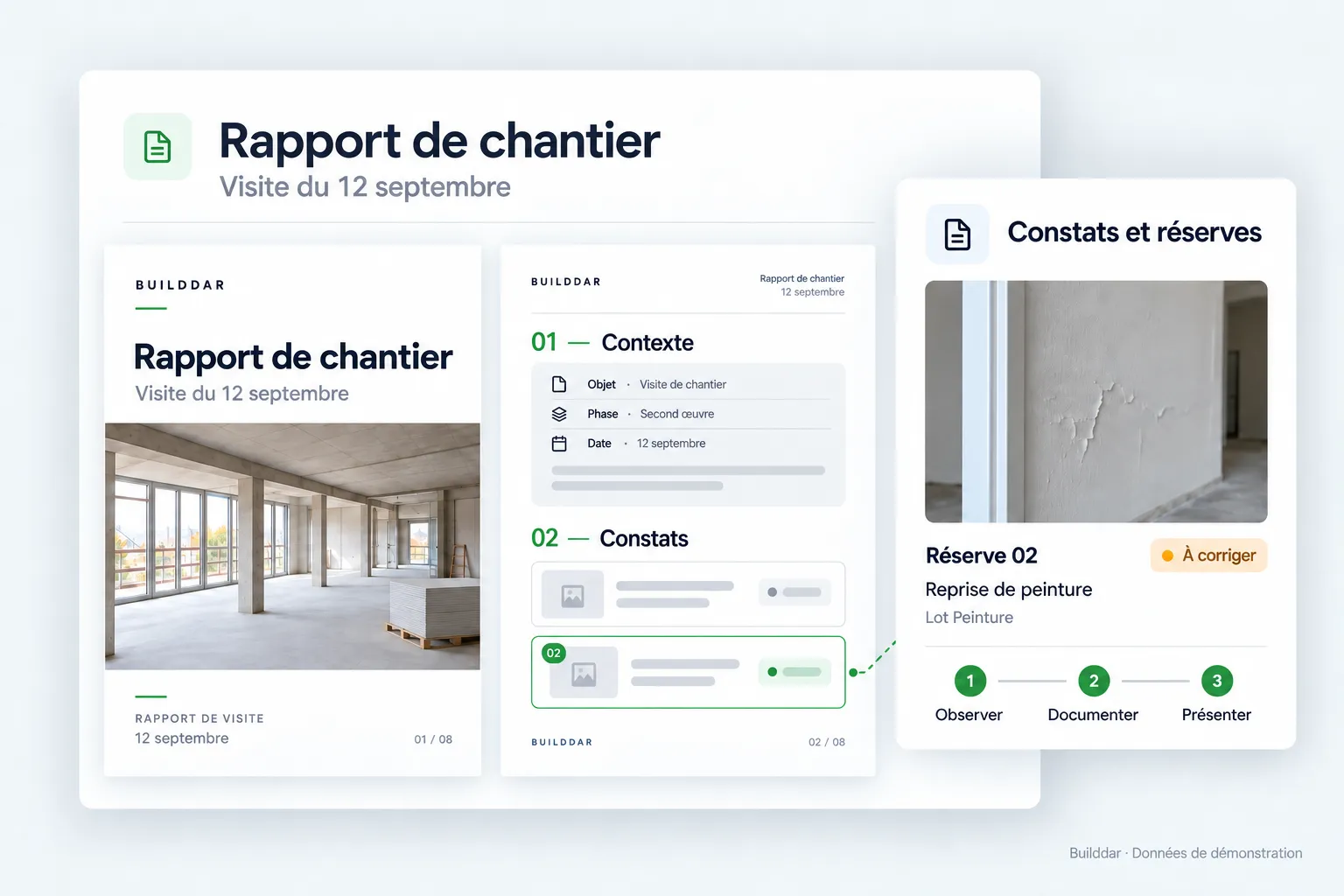
What you work with
The handover record and its snags, from the same source.
Find the information needed for the document and the associated snag list. The deliverable should be readable for participants and consistent with project tracking.
- Open items and their locations
- Associated photos and assignments
- A PDF deliverable in your own format
Why Builddar
Keep the work connected. Keep your method.
One item, one history.
From visit to report and handover, find snags, photos and correction tracking together. Open items keep their number in subsequent reports.
The way your team works.
Keep a deliverable format adapted to your team. The demonstration starts with your documents and method to show how to organise tracking.
An offer that fits your team.
We tailor the offer to your usage, activity and team’s needs. Tell us about your workflow and projects.
Tailored pricing
An offer tailored to your work.
Pricing depends on your usage, activity and needs.
Request a tailored offerYour questions, before you start.
See it for yourself
Explore the module with your own workflow in mind.
Let’s talk about handover documents.
Tell us about your team and the documents you use. We will walk through the module on an example project, starting with your needs.
Would you rather talk it through?
+33 6 67 33 82 14Request your demonstration
Thanks for your message.
We'll call you back within one business day.
Your information is used only to answer your request.
Product content reviewed on · Builddar